FREE COURSE · MAS 9.2 · ABOUT AN HOUR

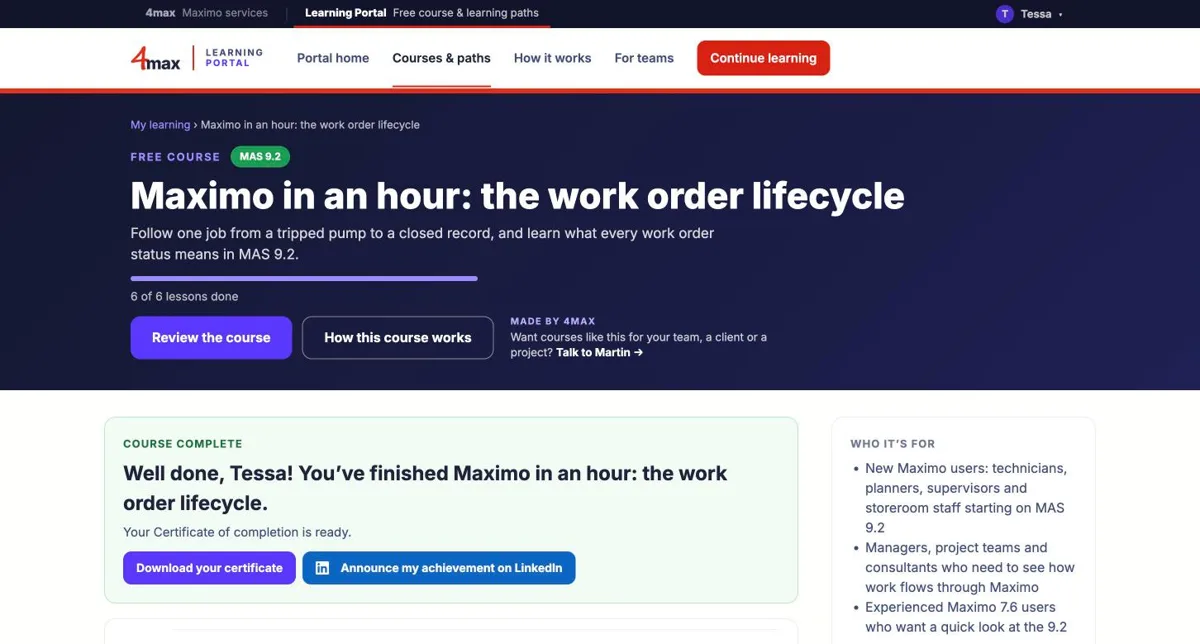
Learn the Maximo basics, free

Follow one real job from a tripped pump to a closed work order, and see how work really flows through Maximo.

6 short lessonsSimulated labs on the real screensEnglish · EspañolCertificate of completion

Written and presented by Martin Williams, Maximo Instructor and recognised IBM Maximo SME.
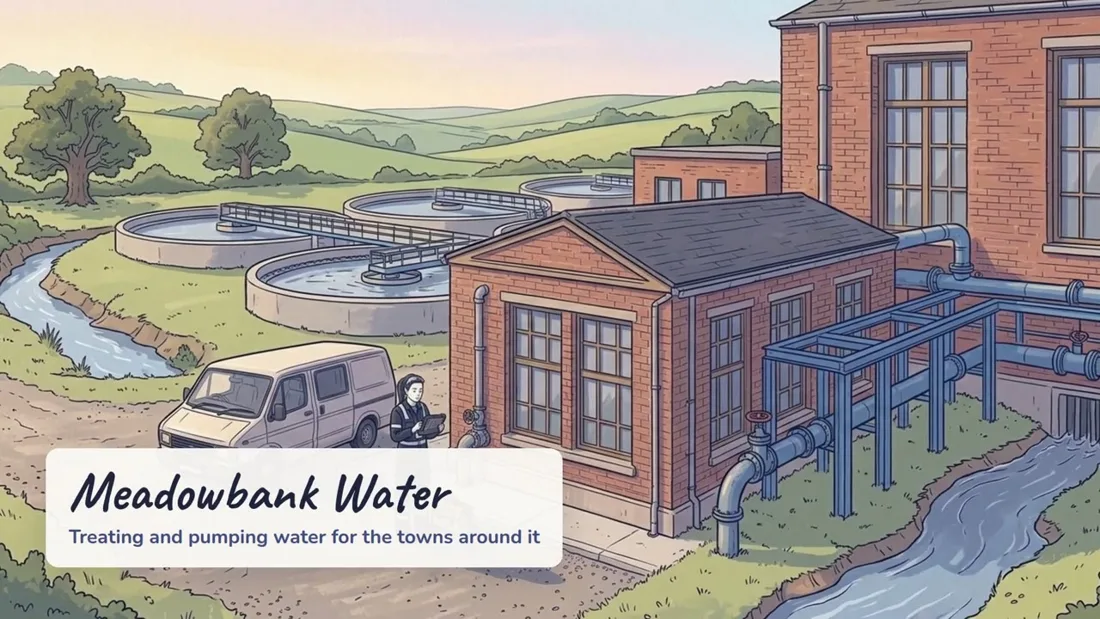
MAXIMO IN AN HOUR: THE WORK ORDER LIFECYCLE

Six short lessons. One real job. Learned by doing.

  1. 1Where work orders come fromFive routes in, and the fields that matter
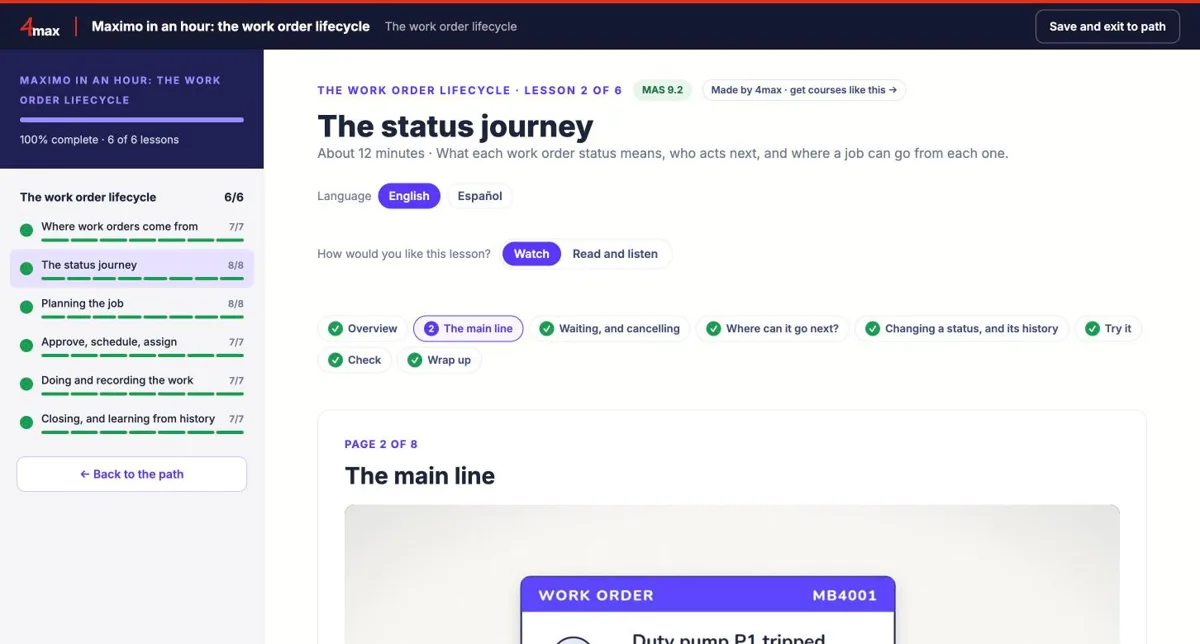
  2. 2The status journeyWhat every status means, and who acts next
  3. 3Planning the jobJob plans: tasks, labour, parts and tools
  4. 4Approve, schedule, assignFrom approval to the technician’s phone
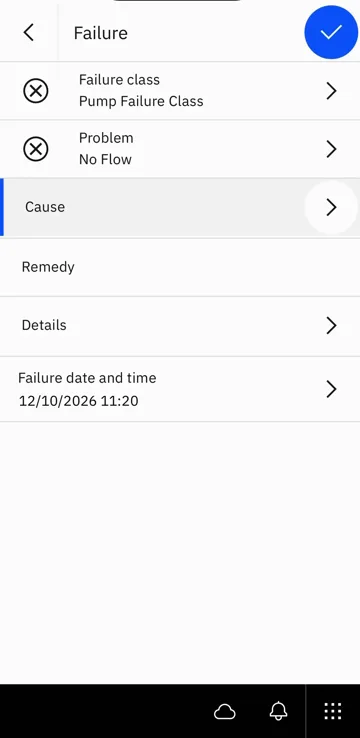
  5. 5Doing and recording the workHours, parts, meter readings and failure codes on Maximo Mobile
  6. 6Closing, and learning from historyCompleted versus closed, and measures that matter
WHO IT’S FOR
  • New Maximo users: technicians, planners, supervisors and storeroom teams
  • Managers, project teams and consultants who need to see how work flows
  • Experienced 7.6 users who want a quick look at MAS 9.2

No Maximo experience needed.

Start the free course

No card and no password: enter your name and email and you’re straight in. No spam, guaranteed!

How every lesson works

One real task per lesson, about ten minutes, in short interactive pages. You do something on every page, so it sticks. Pick up where you left off on any device.

1

Overview

A short narrated video and what you’ll be able to do by the end.

2

Learn by doing

Two to four short pages, one idea each. Tap to explore: flashcards, tabs, step-by-step walkthroughs and quick checks.

3

Watch, or read and listen

Every page has a short narrated video, with drawn scenes and the real screens. Or read it while the narration plays and highlights the screenshots.

4

Try it in a simulated lab

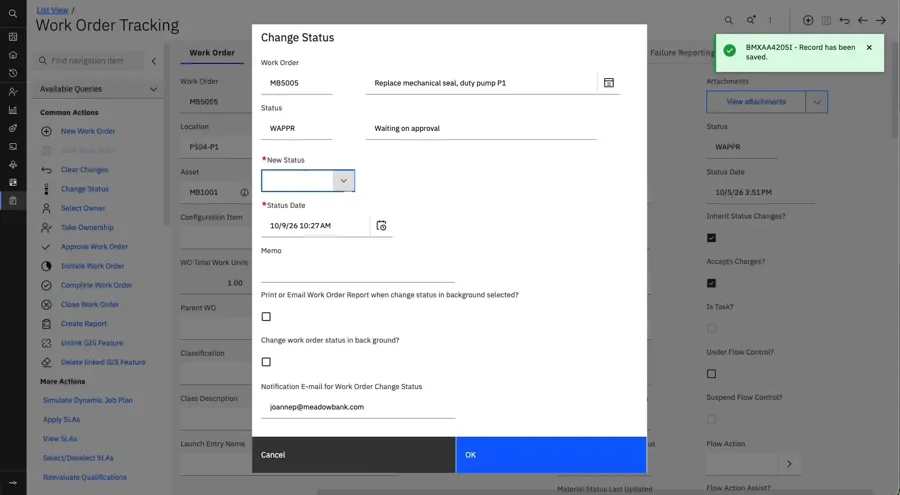
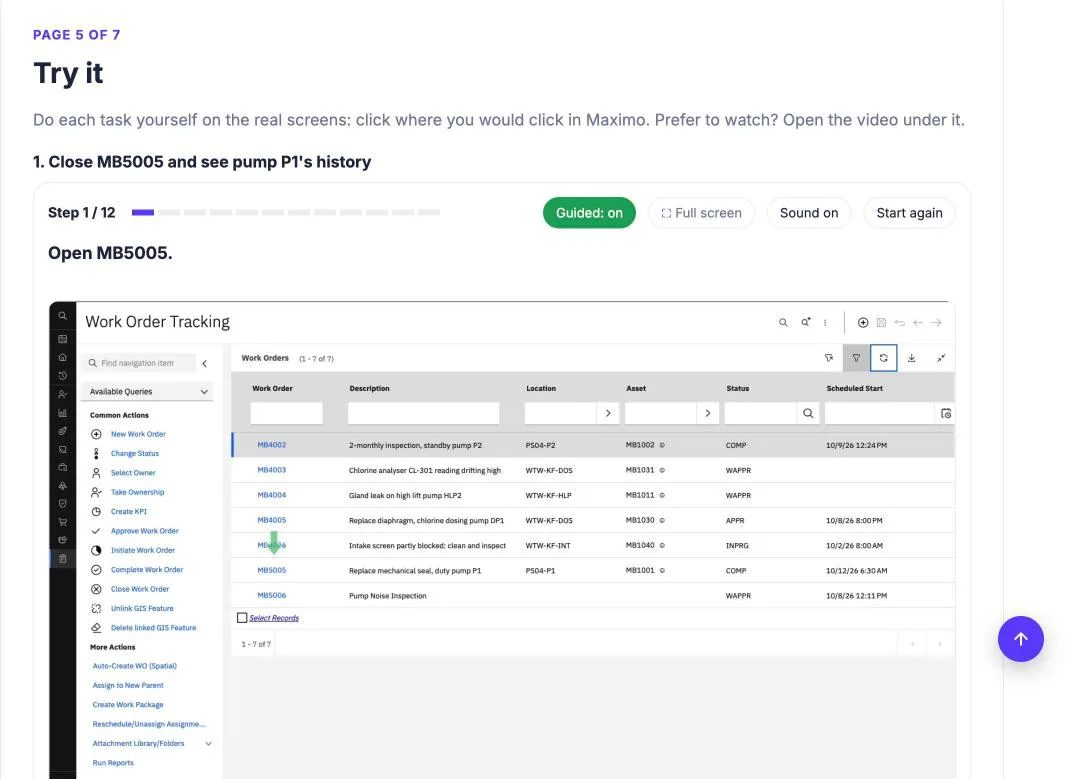
Do the task yourself on the real MAS 9.2 screens: click through each step with a voice guiding you, hints if you get stuck, and a video version too.

5

Check and take away

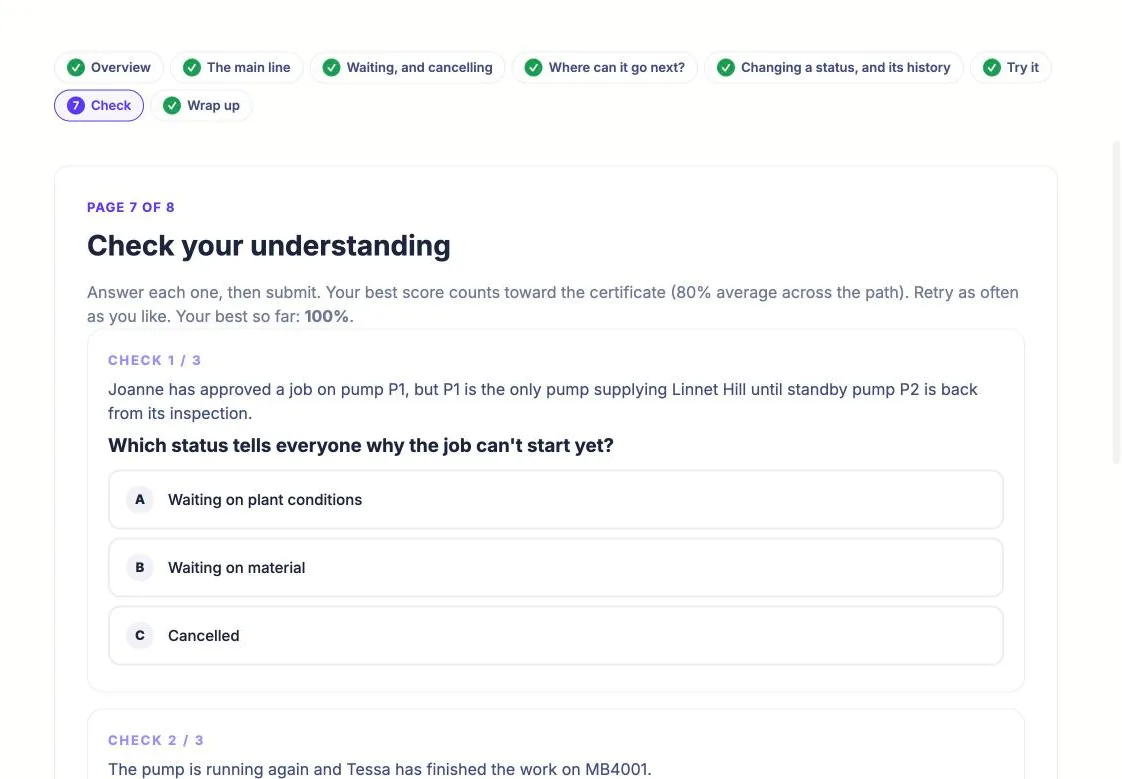
Real-world scenario checks with instant feedback, the key points, and a one-page task card for the job.

Hands-on, not slides

Practise the task in a simulated lab on the real screens, then flip cards, open tabs and sort examples. Every page asks you to do something.

Feedback straight away

Quick checks and real-world scenarios tell you why an answer is right or wrong, so you learn from mistakes, not just scores.

Made to remember

One idea per page, key points at the end, and a task card to take to the job, so it’s still there when you need it.

COMING SOON

Role-based learning paths

Go further for your role, one task at a time. Each path starts with “What changed for your role”: the 7.6 screens you know, mapped to where they are in MAS 9.2.

Technician · Find, work and close your jobs with Maximo Mobile.Supervisor and work manager · Direct work to phones, approvals, work queues and the operational dashboard.Storeroom · Issues and transfers, receiving and counting stock.Requester and inspector · Raise service requests and complete inspections.Asset manager · Asset records, meters and asset health.Administrator · Users, security groups and AppPoints.

In build now. Start the free course and tick “email me” to hear when each path opens, or tell us which role you need first.

FOR ORGANISATIONS AND PARTNERS

High-quality custom enablement, built by Maximo experts

Want lessons like these for your own users, or for your clients? 4max builds Maximo training to order: your screens, your data and your processes, under your brand or ours, in the same style as Maximo in an hour.

Talk to Martin

FOR TEAMS

Train the whole site at once

Buy seats for your team, invite people by email and see everyone’s progress. Each learner earns a 4max certificate of completion for each path. The first teams join as founding teams, with a founding price and a say in what comes next.

Ask about a founding-team place

FOR INDIVIDUALS

Learn at your own pace

Subscribe monthly or yearly for every published path, and cancel whenever you like. Early subscribers keep a founder price for as long as they stay subscribed.

Start free now and tick “email me” to hear when subscriptions open

FOR ORGANISATIONS

Your own branded learning portal

Team licences can come with a portal of your own: your name and colours, the paths your people need, and a clear view of who has finished what.

Branded to you

Your organisation’s name and colour across the portal, with your own welcome message for your people.

Content for your site

Choose which paths your people see, and add lessons written for your own systems and ways of working, seen only by your team.

Run it yourself

Portal admins group people by site or shift, assign paths with complete-by dates, and see progress, overdue work and certificates, with a CSV to download.

Custom content, made for your organisation

Customise the existing paths, modules and lessons to match your organisation’s data and screens, including ORGID, SITEID and custom screenshots. New modules and lessons can be added to cover your own business processes and workflows.

Ask about a portal for your team

MORE LANGUAGES COMING

Lessons in your team’s language

Lessons are in English first, and Spanish is the first translation, with Spanish narration, videos and simulations. Translated lessons are for team and annual licences, starting with each path’s free module. Tell us which language your team needs and we’ll translate the most requested first.

Ask for a language

Look inside

Real screens from the free course, Maximo in an hour. Click one to see it full size.